The downloads on this page are intended exclusively for authorized AntiqueTrack™ Sales Representatives. These files include point-of-sale applications, utilities, and onboarding materials used to set up and support merchant locations. To access downloads, please verify your identity using the phone number registered to your sales rep account.
Sales Rep Verification
Enter your phone number to unlock downloads.
Download Vendor Pro™ for Android
The Android app built for serious vendors — use it with or without a mall or store on the AntiqueTrack™ network.
Vendor Pro™ is our dedicated Android application for vendors who want full control over their inventory and sales performance. Whether you're operating inside an AntiqueTrack™ mall or running independently, Vendor Pro™ gives you the tools to manage your business effectively from any Android device.
Built for vendors who take their inventory seriously, Vendor Pro™ combines advanced label design and direct printing with AI-driven analytics to help you price smarter, track performance, and grow your booth or store.
- Direct label printing integration
- Advanced label designer
- Discount groupings
- AI-driven analytics
- Advanced inventory management
- Works with or without an AntiqueTrack™ mall or store
Download AntiqueTrack™ for Android
Run AntiqueTrack™ natively on Android-based point-of-sale devices and tablets.
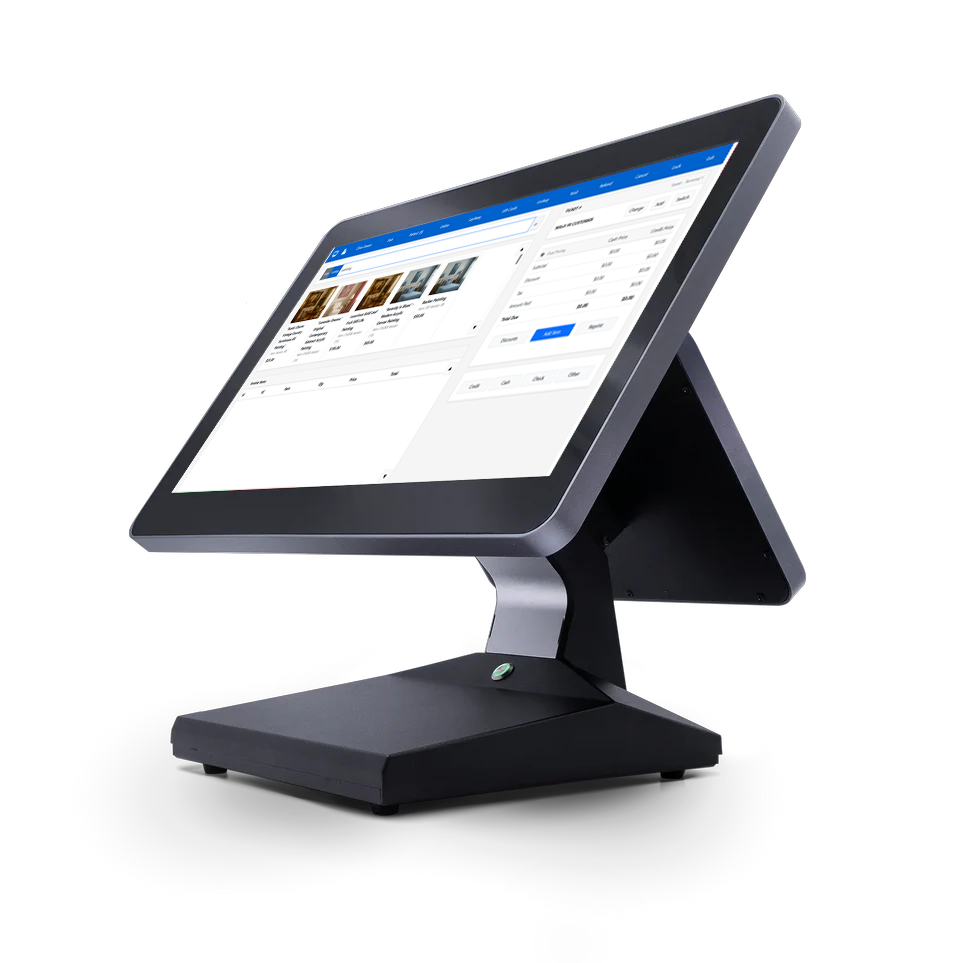
AntiqueTrack™ for Android enables full point-of-sale functionality on supported Android POS terminals and tablets, including touchscreen operation, barcode scanning, receipt printing, and customer-facing displays.
Designed specifically for commercial POS environments, the AntiqueTrack™ Android app supports kiosk-style operation, dual-screen setups, and long-running stability. It provides a secure, optimized runtime for SimpleSuite™ in retail, antique mall, and multi-vendor store environments.
- Native Android POS application (APK)
- Optimized for Android POS terminals and tablets
- Supports touchscreen, scanners, printers, and customer displays
Download CoreBridge™ for Windows
Print receipts and fire cash drawers from any Core POS™ product, directly from your browser.
CoreBridge™ is the lightweight companion utility for AntiqueTrack™, SimplePOS Pro™, and other Core POS™ products. It runs silently in your Windows system tray and serves as the secure local bridge between your cloud-based point-of-sale system and connected hardware, including receipt printers and cash drawers.
Once installed, CoreBridge™ allows your web-based POS to print receipts, fire cash drawers, and manage peripheral actions instantly, all without any browser extensions or special configuration. It’s designed for speed, reliability, and seamless operation, ensuring a smooth experience at checkout.
- Silent system tray utility (auto-start)
- Supports USB receipt printers + RJ-12 cash drawers
- Compatible with all Core POS™ platforms
Remote Support Tool (RustDesk)
If you're working with a support technician or store setup specialist, you may be asked to temporarily install a secure remote support tool. RustDesk is our recommended solution. It's lightweight, fully encrypted, and requires no installation or configuration.
RustDesk allows a technician to remotely view your screen, install drivers or POS tools like CoreBridge™, and help you configure your printer or cash drawer without needing to be physically present. You retain full control and can disconnect at any time.
- No installation required (portable .exe)
- Fully encrypted, peer-to-peer connection
- You control access: read-only or full control
AntiqueTrack™ New Mall Onboarding Worksheet
To help expedite the setup of your new AntiqueTrack™ system, we’ve created a printable onboarding worksheet for mall owners and managers. Completing this document before your onboarding session ensures we have all the information needed for a smooth and efficient setup.
The worksheet covers mall details, primary contact information, booth numbering and labeling guidelines, vendor setup requirements, financial settings, and hardware configuration. It also includes best practices for booth numbering and instructions for gathering vendor information.
- Printable PDF format — easy for handwriting and offline completion
- Space for diagrams, notes, and multiple vendors
- Includes booth numbering tips and sample layouts
Cash Rounding Notice
Due to the ongoing shortage of U.S. pennies, many retail businesses now round cash payments to the nearest $0.05. This Cash Rounding Notice provides a clear explanation for your customers about how cash rounding works, why it's used, and confirms that card payments are always charged the exact amount.
The notice includes a simple rounding table with examples, highlights the fairness and international adoption of rounding practices, and reassures customers that rounding does not result in price increases. It's designed to be printed and posted near your register or checkout area for customer reference.
- Clear explanation of cash rounding to the nearest $0.05
- Easy-to-read rounding table with examples
- Professional design suitable for posting at checkout
